Table of Content
Cross-Reference
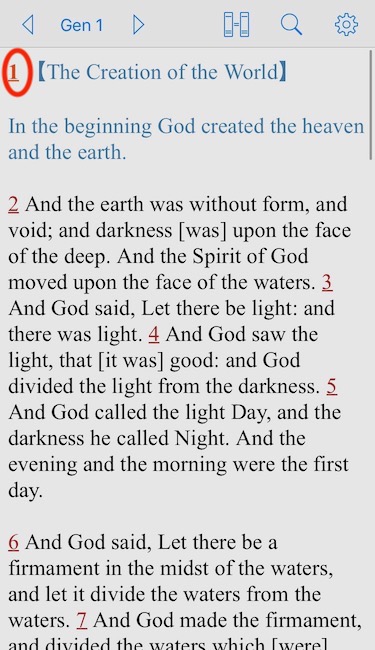
1. Touch a verse number to highlight the verse being studied.
2. Touch the same verse number again to open "Tool View".
Select "Cross-Reference"
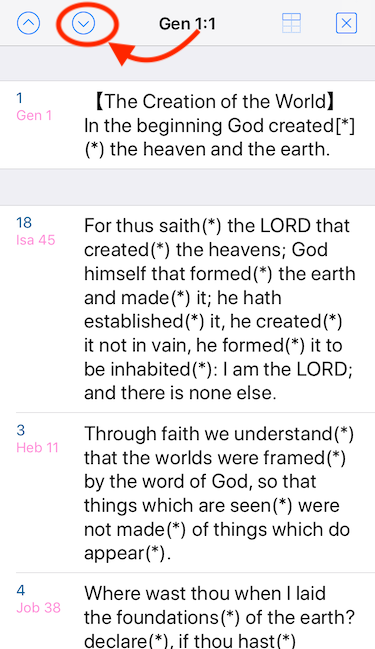
3. The verse being studied is listed at the top, followed by related verses.
Remarks: Verses of highe relevance are listed higher.
4. Touching one of those verses brings up "Popover Bible View" for the verse being selected.
Remarks: It is designed as such that users can read context of the verse being selected.
5. You can override the main bible passage in the master view by touching the "Export" button.
6. "Slide Down" button gives you quick access to the verse next to the one being studied.
Remarks: Similarly, "Slide Up" button gives you quick access to the verse previous to the one being studied.
Table of Content